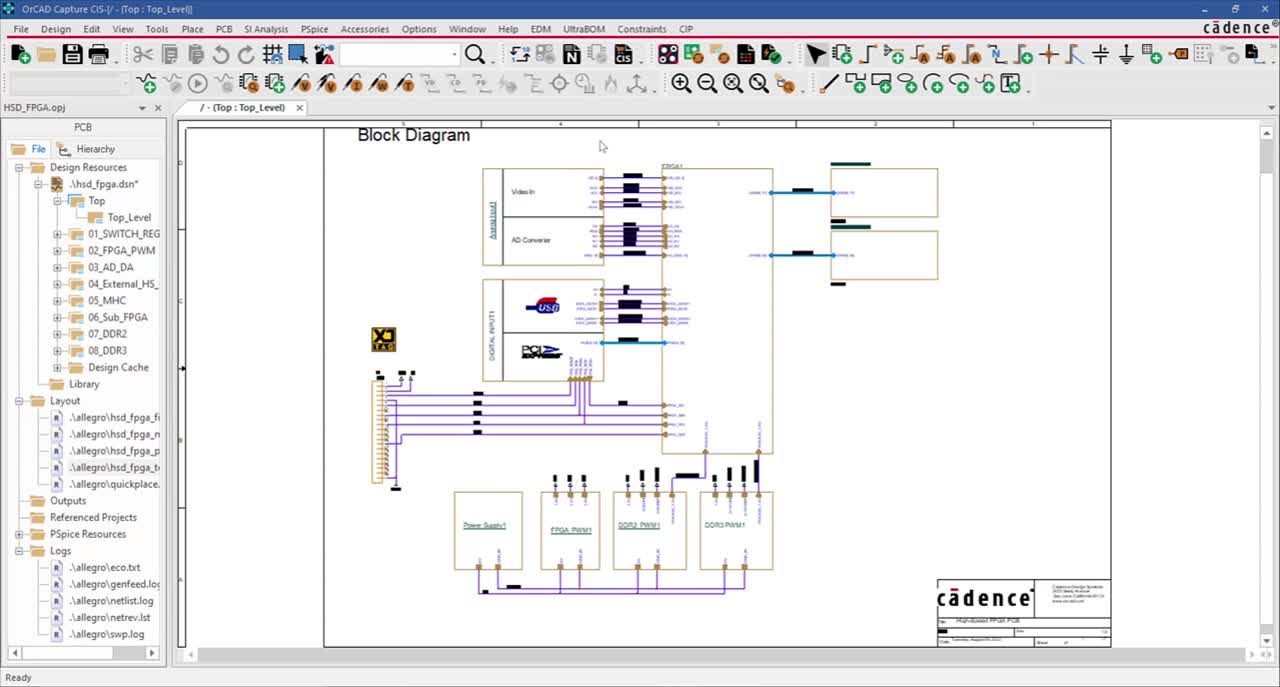








Cadence® OrCAD® Capture offers a comprehensive solution for entering, modifying,
and verifying complex system designs quickly and cost-effectively. Whether used to
design a new analog circuit, revise a schematic diagram for an existing PCB, or design
a digital block diagram with an HDL module, OrCAD Capture allows designers to enter,
modify, and verify the PCB design. OrCAD Capture CIS integrates the schematic design
application with the features of a component information system (CIS).
- Provides fast, intuitive schematic editing
- Automates the integration of field programmable gate arrays (FPGAs) and programmable logic devices (PLDs)
- Makes changes quickly through a single spreadsheet editor
- Imports and exports every commonly used design file format
- Integrates with a robust component information system (CIS) to promote reuse of preferred, current parts
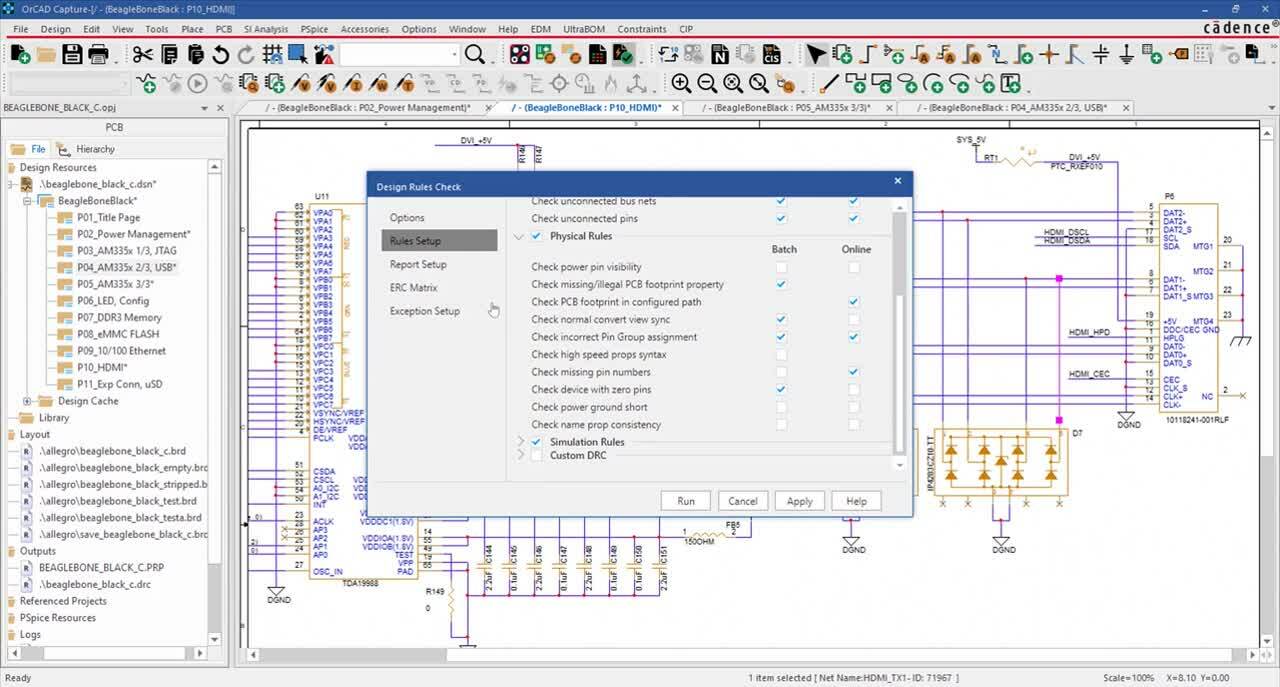
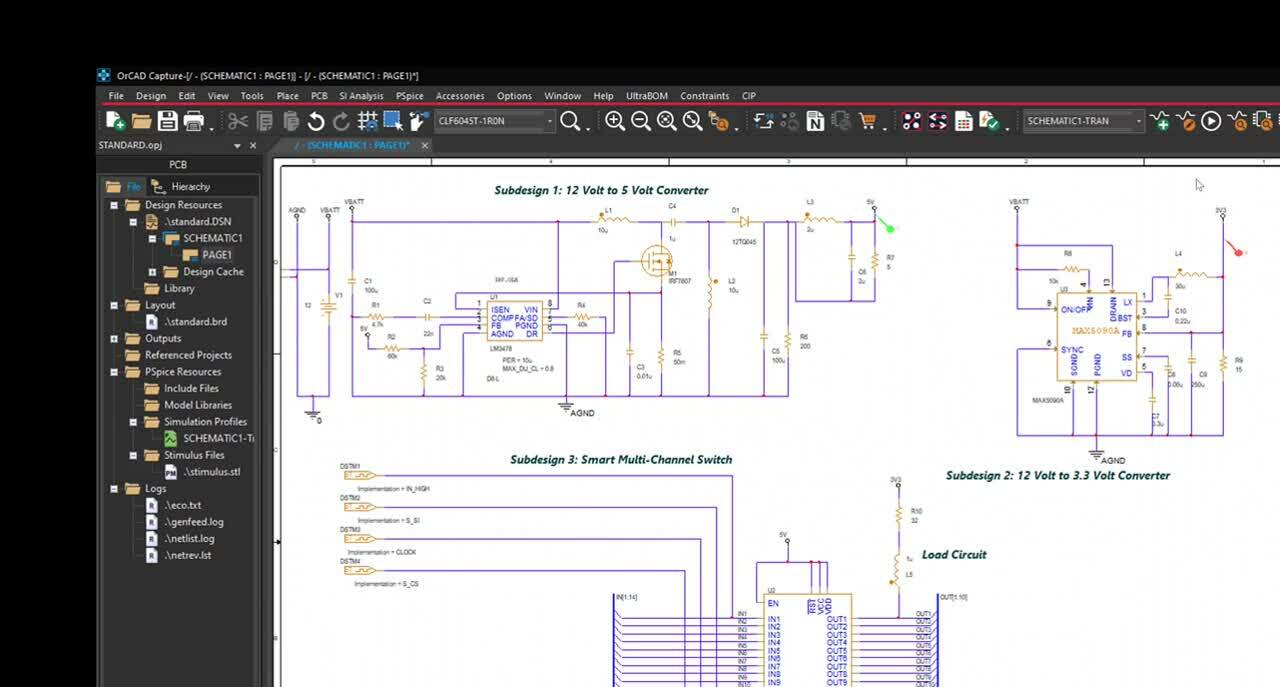
The full-featured schematic editor enables users to place and connect parts from a comprehensive
set of functional libraries. It uniquely packages the parts, ensures design integrity, and creates design
netlists for any of the formats supported by Cadence. Users can view and edit multiple schematic
designs in a single session, and copy and paste design data between schematics enabling data reuse.
The schematic editor also supports the addition of critical constraints for a design editing to PCB
editing flow.
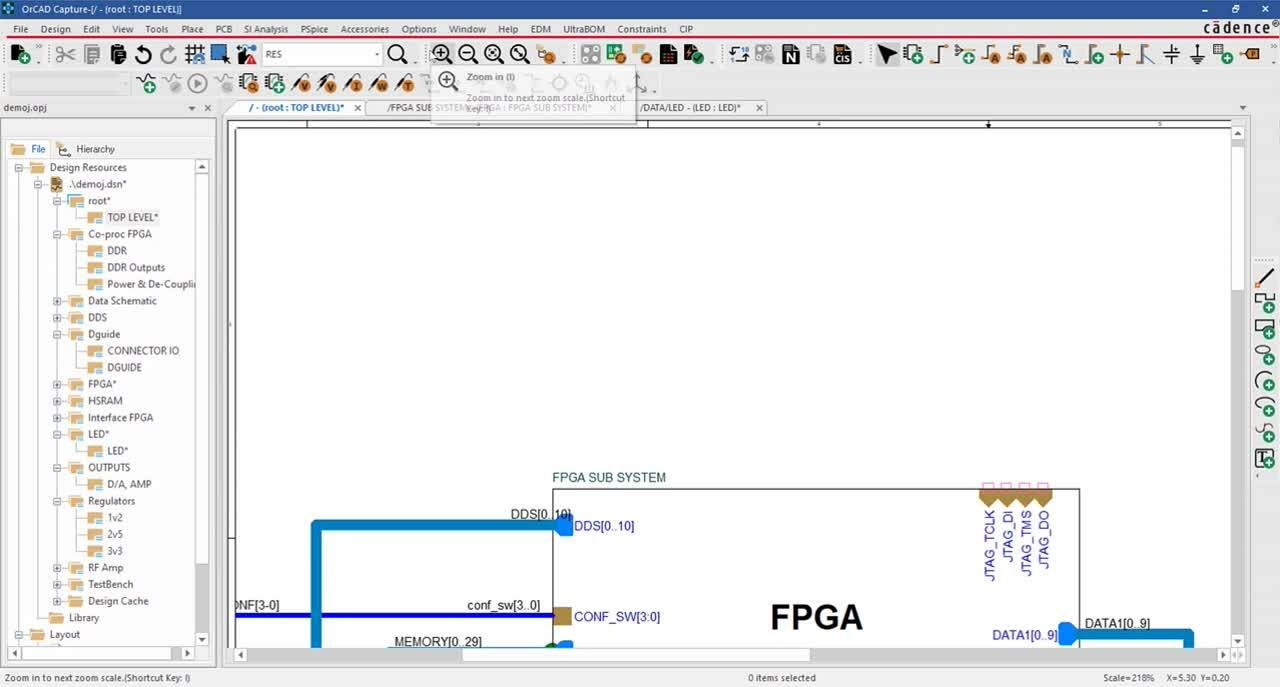
The project manager enables users to collect and organize all the resources needed for the project
throughout the design flow. The expanding tree structure makes it easy to organize and navigate
design files, including those generated by Cadence PSpice® and Cadence Allegro® AMS Simulators,
Cadence OrCAD Capture CIS, Cadence Allegro Design Entry CIS, and other plugins. The project
manager offers easy navigation of design files. It also includes a wizard to guide users for specific
design flows and a hierarchy viewer to display hierarchical relationships among design modules.
OrCAD Capture boosts schematic editng efficiency by enabling subcircuit reuse—without having to
make multiple copies. Using hierarchical blocks,designers simply reference the same subcircuit
multiple times. Automatic creation of hierarchical ports eliminates potential design connection errors.
Ports and pins can be updated dynamically for hierarchical blocks and underlying schematics. Added
navigation utilities recognize block boundaries and accessibility using keyboard shortcuts.
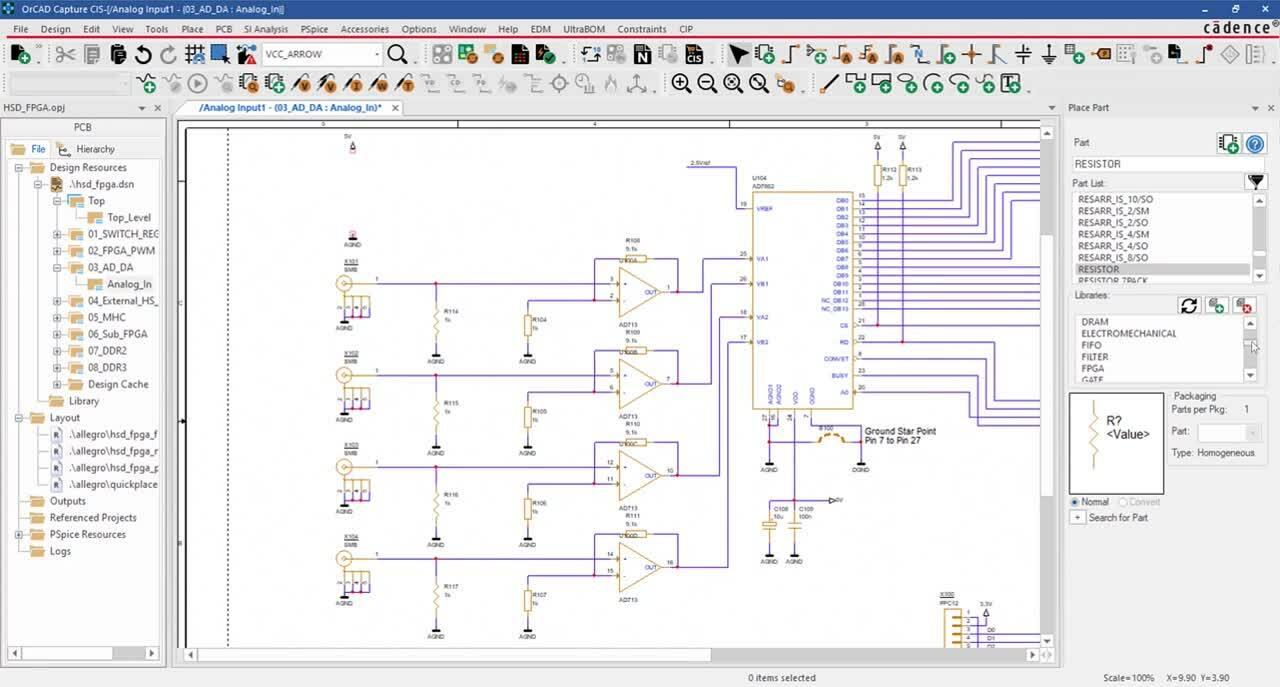
The library editor is accessed directly from the user interface. Users can create and edit parts in the
library or directly from the schematic page without interrupting workflow. Intuitive graphical controls
speed schematic part creation and editing. New parts can be created quickly by modifying existing
ones. New parts can also be created from spreadsheets. A library part generator automates the
integration of FPGAs and PLDs into the system schematic. The generate part feature simplifies the
creation of core FPGA library parts for high pin-count devices. These parts can be split into multiple
parts.
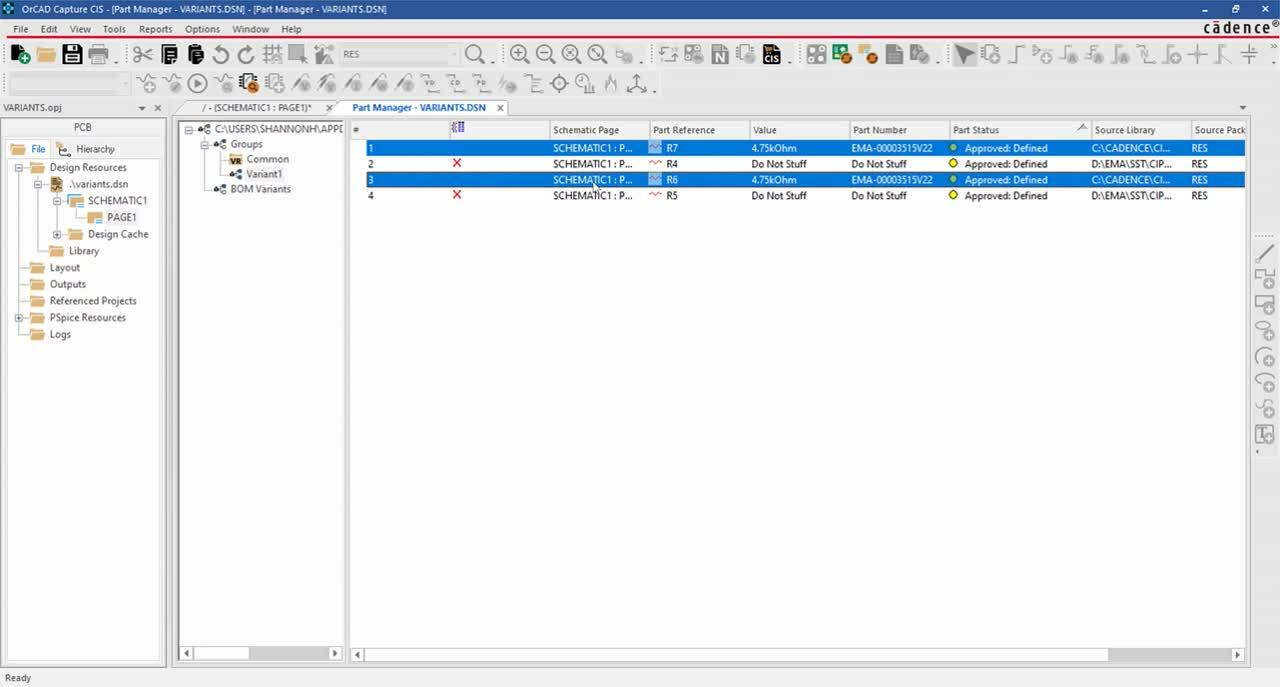
Designers can access all part, net, pin, and title block properties or any subset and make changes
quickly through the spreadsheet property editor. It simply requires selecting a circuit element, a
grouped area, or an entire page, and then editing part, net, or pin properties.
OrCAD Capture CIS integrates the features of a component information system with Cadence
schematic capture technology. This reduces production delays and cost overruns through efficient
management of components. The time spent searching existing parts for reuse, manually entering
part information content, and maintaining component data is reduced. Users search for parts based
on their electrical characteristics and CIS automatically retrieves the associated part. CIS is ideal for
individual design teams or teams who need to collaborate across multiple locations. It gives designers
access to correct part data early in the design process and enables complete component specifications
to be passed to board designers and other members of the design team, reducing the chances for
downstream errors. It also provides access to cost information so designers can use preferred,
lower-cost, and in-stock parts. The embedded part selector accesses information stored in MRP or
ERP systems and engineering databases, and it synchronizes externally sourced data with the
schematic design database so BOMs can be generated automatically.
With OrCAD Capture CIS, visibility into complete part information ensures informed selection.
The ActiveParts fully integrated online component library for Capture CIS enables designers to search and select
components from more than two million parts. Such a significant improvement in access to parts
provides users with a completely new level of design flexibility.
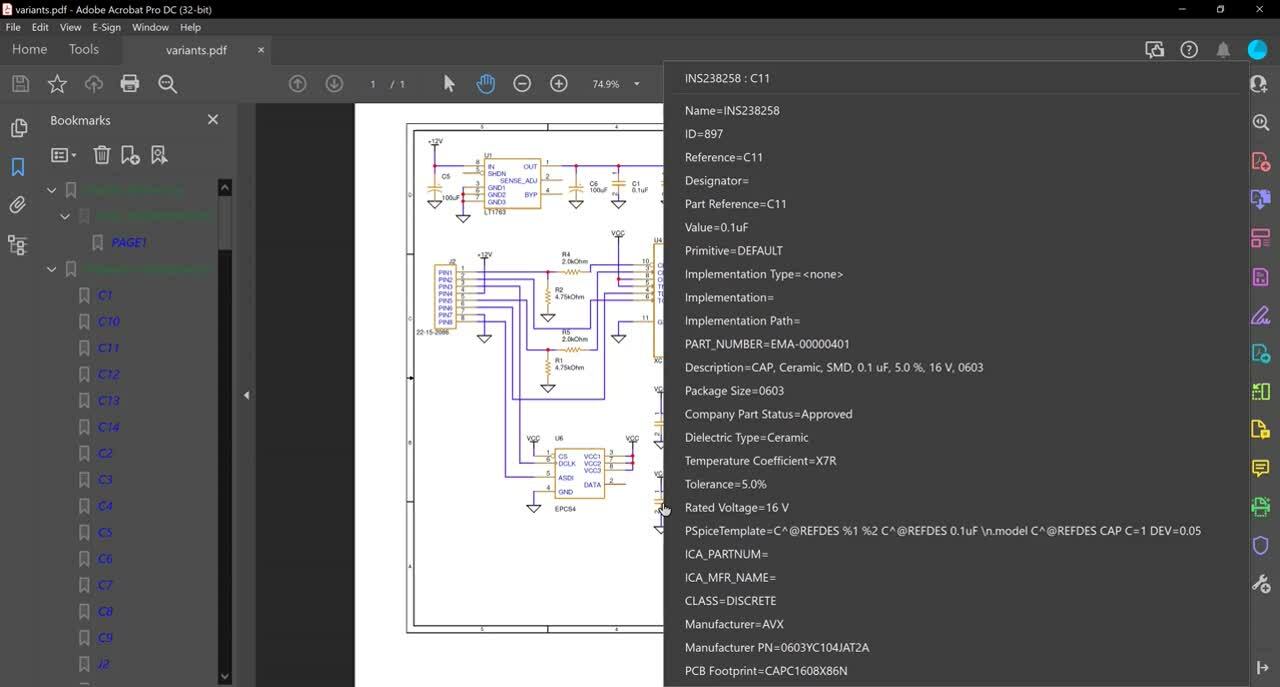
CIS also provides powerful report generation. Instead of limiting designers to just those properties
that reside in the schematic, CIS draws from the extensive wealth of information that resides in the
preferred part database, taking report generation to the next level. Designers can generate BOMs
using up-to-date, comprehensive, and complete information, and create reports through the Crystal
report engine.
- Accepts plugins for programmable logic design and analog simulation
- Allows for design creation and simulation in the same environment
- Works with Microsoft’s ODBC-compliant databases
- Users can access data directly in an MRP, ERP, and PDM
Cadence technology provides an extensive set of documentation, which includes user guides,
context-sensitive help (F1), reference guides, online tutorials, and multimedia demonstrations.
The system documentation set helps you to:
- Find the answer you need by searching the online help system and navigate quickly between related topics with extensive hypertext cross-references
- Learn the technology with the help of online interactive tutorials
- Find information on error and warning scenarios
- Pentium 4 (32-bit) equivalent or faster
- Windows XP Professional, Vista Enterprise
- Minimum 512MB (1G or more recommended for XP and Vista Enterprise requirements)
- 300MB swap space (or more)
- CD-ROM drive
- 65,000 color Windows display with minimum 1024 x 768 (1280 x 1024 recommended)