
Hands-on, in-person training courses to increase your productivity. Regional classes are offered several times a year throughout the US..

Comprehensive training without leaving the office. Live Online classes feature a live instructor that will teach your team over the internet.

Learn at your own pace with our self-guided, online training classes complete with videos, labs, and comprehensive training materials.
Don’t see an option that meets your needs? We can tailor a training class to meet your unique requirements.
Learn all the necessary steps required to create a schematic using OrCAD Capture.
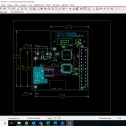
A detailed review of all necessary steps for designing a printed circuit board, from loading logic/netlist data through producing manufacturing/NC output.
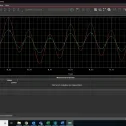
This class is ideal for both new PSpice® users and experienced engineers who need to maximize the performance of their circuits.
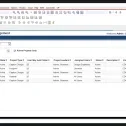
Learn necessary knowledge required to effectively manage your team within the OrCAD EDM Environment.