
Getting Started
This topic will assist in setting up the downloaded design files, allowing you to follow along with the Capture Walk-through series for OrCAD X Capture 25.1.
 Open in New Window
Downloading Materials
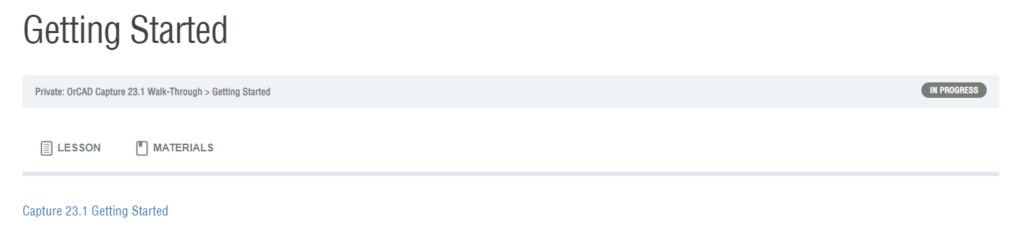
Step 1: Select the Materials tab for this lesson.
Step 2: Click to download the Capture 25.1 Getting Started.zip file to your computer.
Step 3: Extract the file to your working directory.
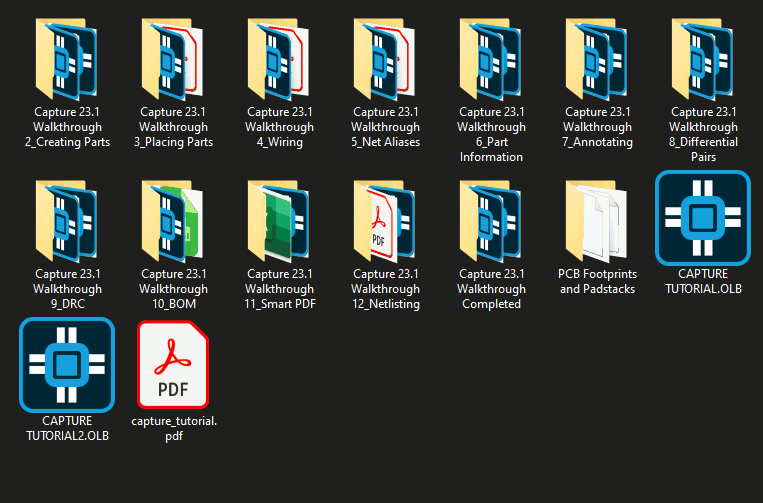
Note: This directory contains a Smart PDF of the completed design, two schematic library files, and a folder containing PCB footprints and padstacks. Each lesson from Lesson 2 onward provides a .zip file containing a starting design file for that lesson.
Configuring Materials
Step 4: From the provided materials, copy the CAPTURE_TUTORIAL_LIB.OLB file.
Step 5: In another window of File Explorer, navigate to the standard OrCAD X Capture Library location: C:\Cadence\SPB_25.1\tools\capture\library.
Step 6: Paste the file to this location.
You are now ready to begin the OrCAD X Capture Walk-Through.
