
Check for Excessive Use of Package Keepouts and Height Zones
Location: PCB Canvas
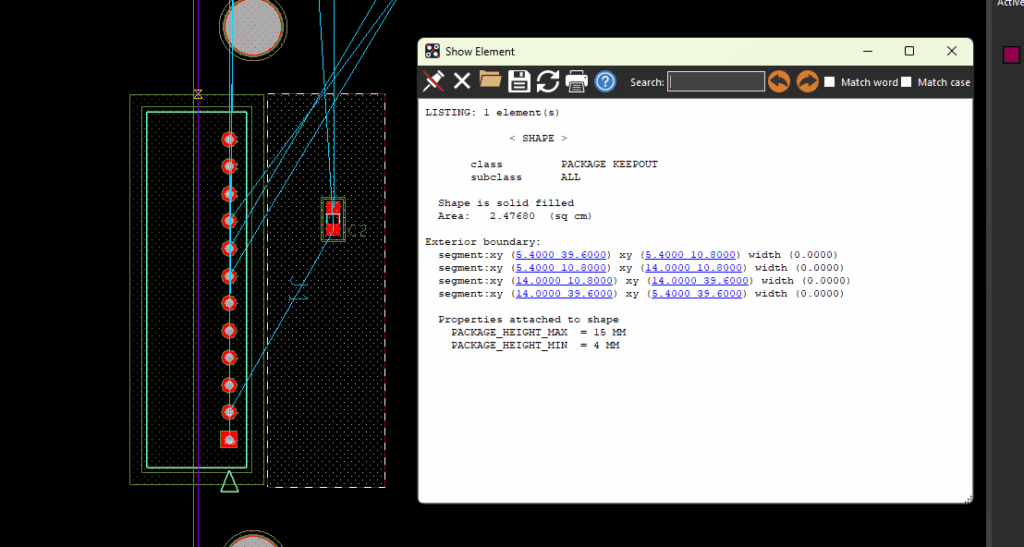
Check for excessive use of package keepouts and height zones as it may result in performance and quality issues in Allegro X AI runs. Nested height zones consuming 100% of board area may need to be scaled back.
Component Associations
Location: Allegro X AI
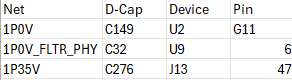
Component associations can be provided to override the Allegro X AI engine with user driven guidance. For example, when multiple capacitors of varying frequency ranges are assigned to a device pin. Create a spreadsheet (.csv) with component associations and upload it to Allegro X AI.
