When a technology company reaches the enterprise level, the tools used to design its printed circuit boards (PCBs) must scale accordingly. For global engineering teams developing high-density, high-speed, and mission-critical hardware, some ECAD tools eventually hit a ceiling. At this level of product development, the conversation almost always narrows down to Cadence Allegro and Siemens Xpedition (formerly Mentor Graphics).
Choosing between these two platforms is a massive strategic decision. It impacts engineering efficiency, IT infrastructure, supply chain integration, and ultimately, time-to-market. For Engineering Managers and Purchasing Directors, the Allegro vs Xpedition debate requires a deep understanding of not only layout capabilities but also data management, team collaboration, and long-term scalability.
The Enterprise ECAD Landscape
Both Cadence Allegro X and Siemens Xpedition are Tier-1, enterprise-grade solutions. Meaning that they both offer high-speed routing, advanced rigid-flex capabilities, and integration with mechanical CAD (MCAD) and Product Lifecycle Management (PLM) systems.
However, their underlying philosophies, database architectures, and approaches to automation differ significantly.
1. Constraint Management: The “Correct-by-Construction” Approach
In enterprise design, you do not check for errors at the end of the layout; you build constraints that prevent errors from happening in the first place.
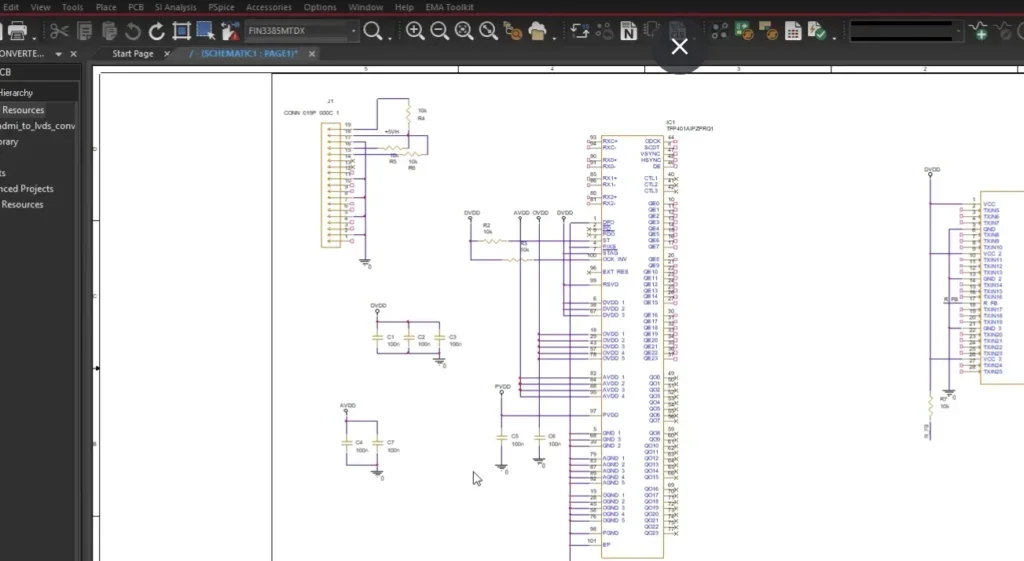
- Cadence Allegro X: Allegro X is famous for its Constraint Manager. It is widely considered the industry gold standard. It utilizes a unified, spreadsheet-based interface that spans the entire design flow, from schematic capture to PCB layout to signal integrity (SI) simulation. If a hardware engineer sets a complex differential pair phase-tolerance in the schematic, that exact rule natively drives the layout engineer’s routing tools.
- Siemens Xpedition: Xpedition uses the Constraint Editor System (CES). While powerful and highly capable of handling complex high-speed rules, some users find its interface and methodology steeper to master compared to Allegro’s highly intuitive, hierarchical spreadsheet approach.
2. High-Speed Routing and AI Automation
With the advent of PCIe Gen 5/6 and DDR5, routing requires extreme precision and automation.
- Siemens Xpedition: Xpedition is highly regarded for its Sketch Router, which lets designers draw a path and have the software automatically untangle and route complex buses along it.
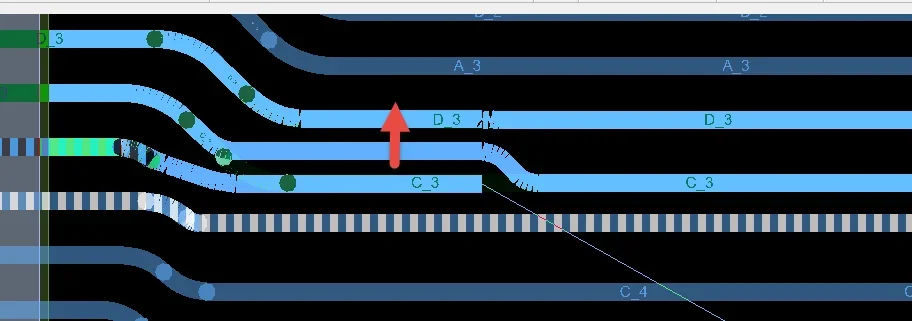
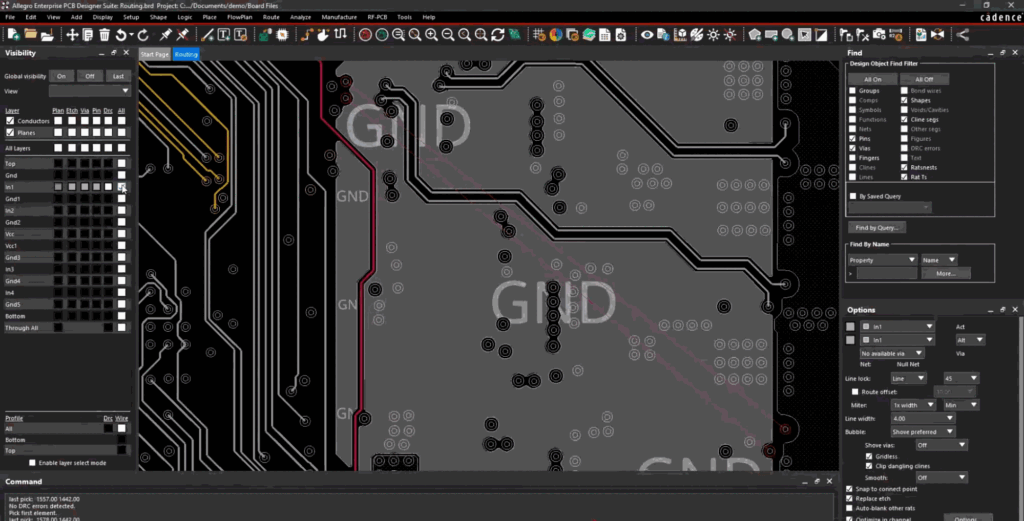
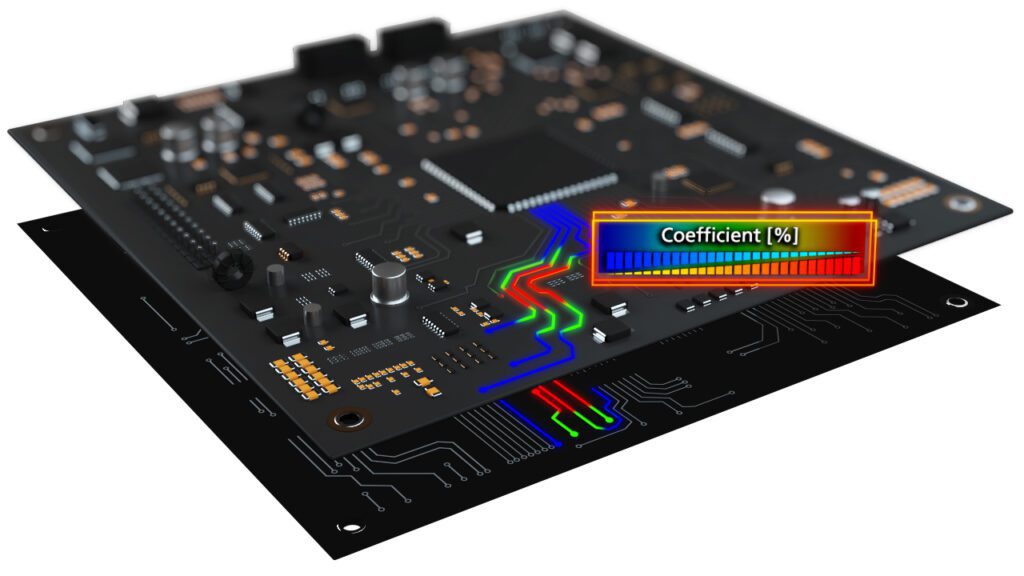
- Cadence Allegro X: Allegro counters with its own highly advanced interactive routing tools, including Timing Vision (which color-codes traces based on real-time delay matching) and Auto-Interactive Breakout.
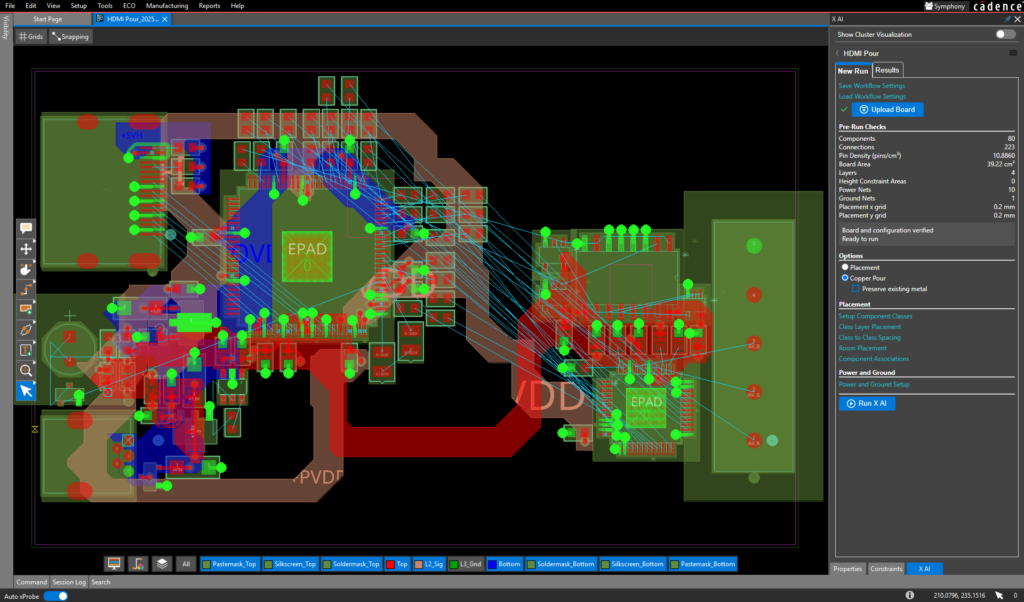
- The AI Differentiator: Where Allegro is currently pulling ahead is in its integration of Generative AI. Allegro X AI leverages cloud computing to automate massive portions of component placement and power delivery network (PDN) generation. By analyzing your constraints, Allegro X AI can generate and evaluate hundreds of placement options in minutes, a task that would take human designers days to explore manually.
3. Team Collaboration and Concurrent Design
Enterprise boards are rarely designed by a single engineer. Global teams must work on the same board simultaneously to meet aggressive schedules.
- Siemens Xpedition: Offers XtremePCB for concurrent design, allowing multiple users to work within the same design database simultaneously.
- Cadence Allegro X: Allegro utilizes Symphony Team Design. Symphony allows multiple designers (across different locations) to connect to a shared canvas in real-time. Designers can see each other’s edits live, complete with visual locks to prevent overriding each other’s work. Symphony is incredibly stable and seamlessly integrates into the standard Allegro workflow without requiring complex IT setup.
4. Scalability: The Path from Mainstream to Enterprise
This is perhaps the most critical business consideration for engineering managers evaluating the Allegro vs Xpedition landscape. How does the software scale as a company grows?
- The Xpedition Path: Siemens offers PCB Automated Design System (PADS) for mainstream/mid-market design and Xpedition for enterprise. However, these are different toolsets with different underlying databases. Upgrading a team from PADS to Xpedition often requires data translation, UI retraining, and library migration.
- The Allegro Path: Cadence provides a perfectly seamless, zero-translation growth path. OrCAD X and Allegro X share the exact same database format and core architecture. A growing startup can begin with OrCAD X and, as its designs demand enterprise features, upgrade to Allegro X instantly. An Allegro user can open an OrCAD board seamlessly, and vice versa. There is no library translation, no data loss, and virtually no retraining required.
At a Glance: Allegro vs Xpedition
| Feature/Capability | Cadence Allegro X | Siemens Xpedition |
| Constraint Management | Unified Constraint Manager (Industry Gold Standard) | Constraint Editor System (CES) |
| Mainstream to Enterprise Scaling | Seamless (OrCAD X to Allegro X share the same database) | Translation Required (PADS and Xpedition use different databases) |
| Concurrent Team Design | Symphony (Real-time, cloud-enabled co-design) | XtremePCB |
| Artificial Intelligence | Allegro X AI (Generative placement, routing, and pours) | Rule-based automation / Sketch routing |
| Signal/Power Integrity | Deep, native integration with Sigrity X | Integration with HyperLynx |
| Data Management | Allegro Pulse (Native ECAD PLM/WIP management) | EDM / Teamcenter integration |
Making the Right Enterprise Choice
In the Allegro vs Xpedition evaluation, both tools are highly capable of designing the world’s most complex electronics. If an organization is already deeply entrenched in the Siemens mechanical ecosystem (NX and Teamcenter), Xpedition offers strong native ties to those specific platforms.
However, for organizations prioritizing electrical engineering excellence, signal integrity, and frictionless scalability, Cadence Allegro X is the superior choice.
Allegro’s unparalleled Constraint Manager ensures a “correct-by-construction” workflow that drastically reduces board respins. Its seamless scalability from OrCAD X protects your legacy IP and eliminates growing pains. Finally, with the introduction of Allegro X AI, Cadence is defining the future of automated, intelligent hardware design.
Migrating to an enterprise ECAD system is a major transition, but you don’t have to navigate it alone. EMA Design Automation provides the software, implementation services, and engineering expertise required to ensure a successful transition to the Cadence Allegro X ecosystem.
EMA Design Automation is a leading provider of the resources that engineers rely on to accelerate innovation. We provide solutions that include PCB design and analysis packages, custom integration software, engineering expertise, and a comprehensive academy of learning and training materials, which enable you to create more efficiently. For more information on Allegro vs Xpedition and how we can help you or your team innovate faster, contact us.