Instructor-Led Course

OrCAD Schematic and PCB Front-to-Back Flow

This class is a comprehensive course aimed at helping students learn an efficient, front-to-back schematic and PCB workflow.

Home > Training > Courses > OrCAD Schematic and PCB Front-to-Back Flow

What You Will Learn

  • How to build new parts and symbols
  • Design-checking best practices
  • Techniques for assigning reference designators
  • Creating a BOM (Bill of Materials)
  • Adding part and net properties
  • Creating flat designs
  • Construct design libraries
  • Import logic design data
  • Define design rules
  • Interactive placement features
  • Pin Swapping
  • Route interactively
  • Run automatic glossing
  • Create copper areas
  • Generate manufacturing output and documentation

Course Summary

This class is a comprehensive course aimed at helping students learn an efficient, front-to-back schematic and PCB workflow. This package includes Capture Essentials and PCB Editor Essentials training.

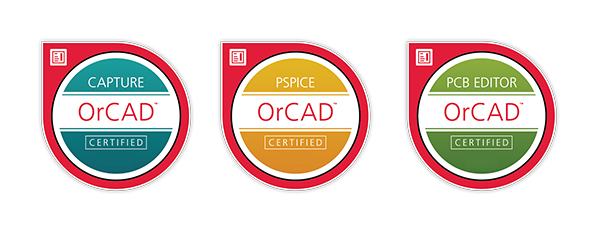
Includes an OrCAD Certification Opportunity.

Upcoming Classes

TitleClass TypesDate# of DaysStatusClass PriceRegister

Don’t see the course / time you need? Contact us to learn more about our custom training options

Other Course Options

Get OrCAD Certified

Our OrCAD® certification program is included in the price of your Capture, PSpice, or PCB Editor class and is designed to help you demonstrate proficiency in OrCAD tools. Become OrCAD certified and validate your skills, stand apart from your peers, and expand career opportunities.

Register for a Class

Register for a Class

Register for a Class

Register for a Class

Register for a Class

Register for a Class

Register for a Class